Showing posts with label Akane Souma. Show all posts

AKANE SOUMA into CARTOON : Adobe Photoshop cs 3 (PART 5)


Continuation .. .

1. Still in
the selection condition of the Pen tool, the next to the next stage. Select the Direct Selection tool, right-click on the selection area of the pen tool. Select Make selection.


- The shape of the Make Selection


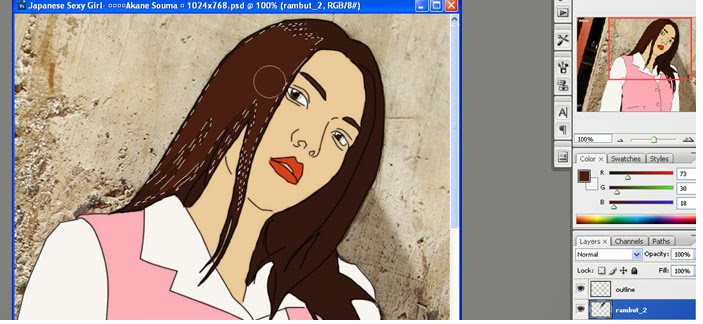
2. Still in conditions Make Selection, next to the coloring stage. Select the Brush tool, and color selection area.  


AKANE SOUMA into CARTOON : Adobe Photoshop cs 3 (PART 4)

Next ...

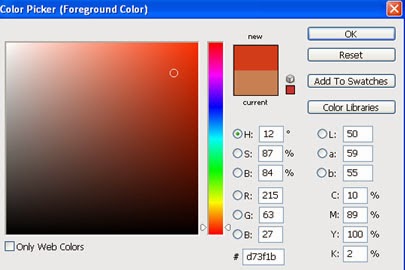
1. Choose a blush color for lips Ayane
.


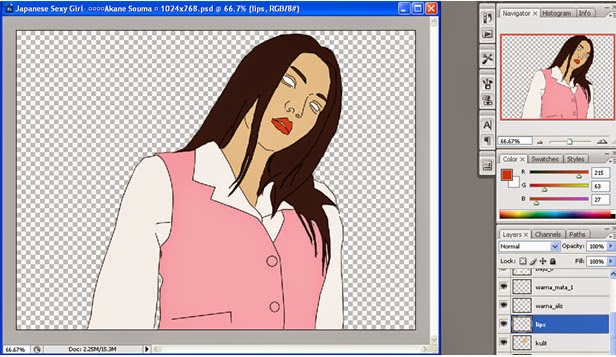
2. Coloring lips on lips layer using the Brush tool.


3. Then make eyeball to Ayane. Add a new layer above the layer warna_mata_1, name the layer bola_mata.

4. Select the appropriate color for the eye Ayane. Paint the eyes Ayane in bola_mata layer using the Brush tool.

AKANE SOUMA into CARTOON : Adobe Flash cs 3 (PART 3)

Next part 3 :


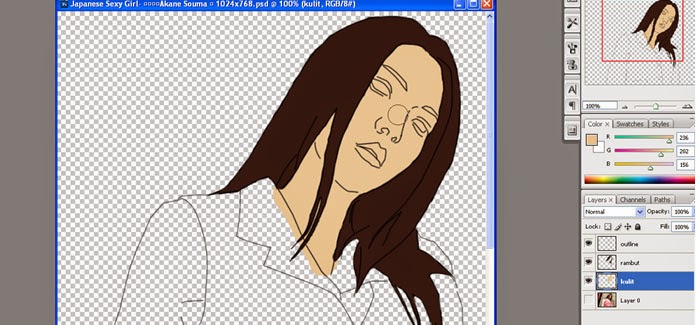
1. After coloring the skin of Akane Souma, then add a layer on the skin and name is baju_1.

2. Take a sample of the color of clothes Akane Souma colored Pink (pink) by using the eyedropper tool.

AKANE SOUMA into CARTOON : Adobe Flash cs 3 (PART 2)


Next ...

Result of part 1:


Next Steps :

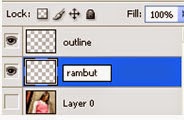
1. Add a new layer above the layer 0, name the layer of hair.

AKANE SOUMA into CARTOON : Adobe photoshop cs 3 (PART 1)


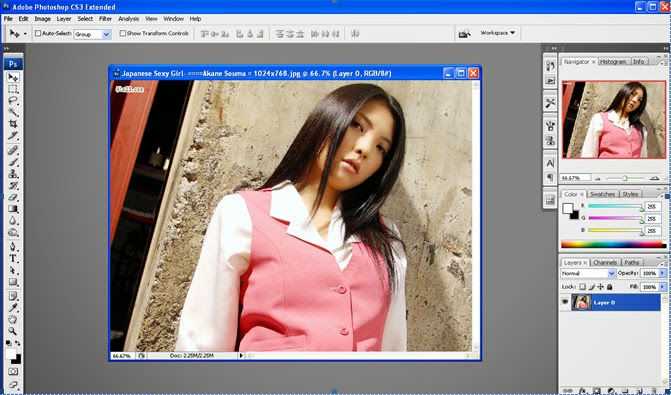
1. Describe the software Adobe Photoshop CS3
2. Select the image you want to change into a cartoon., Select File Open (Ctrl + O).


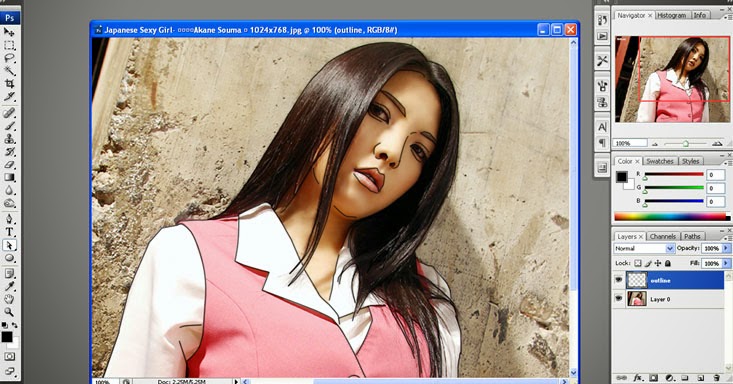
3. In the lower right panel layer 0, add a new layer above the layer 0 by choosing Create a new layer.
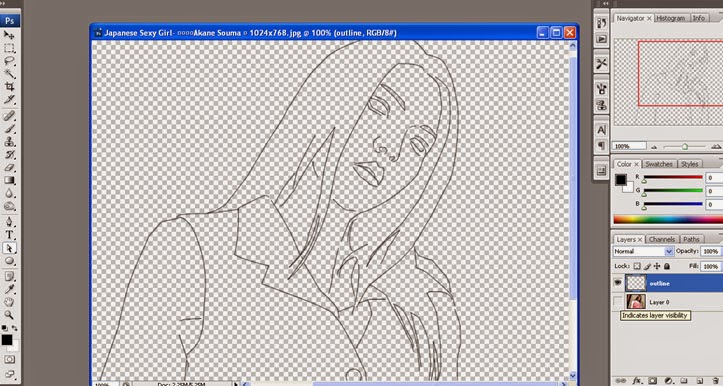
4. Name the new layer is "outline".